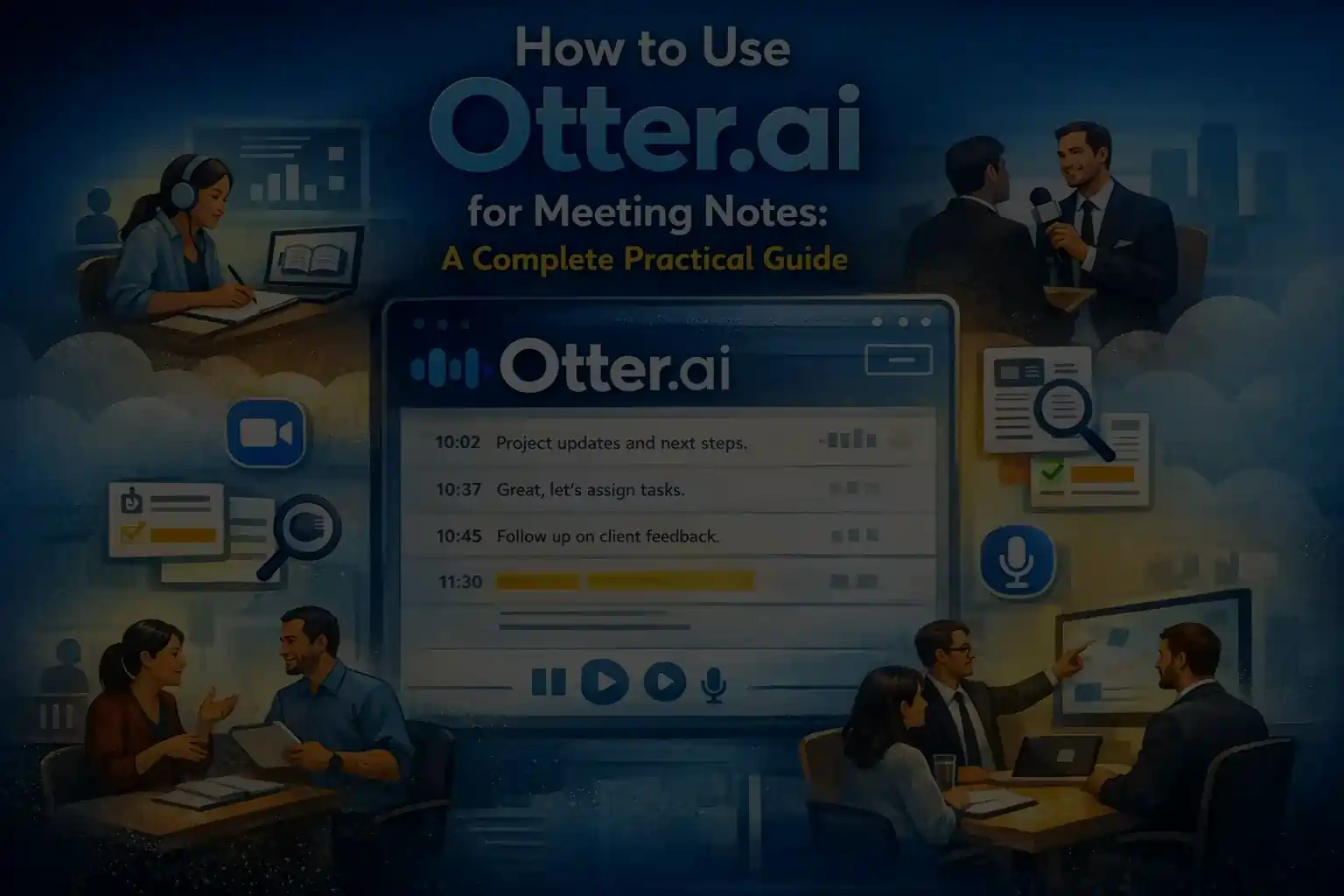
Meetings, interviews, lectures, and discussions are essential to how we work and learn. Yet remembering everything that is said during them is almost impossible. Important ideas slip through, action items are forgotten, and handwritten notes often feel rushed or incomplete.
This is exactly the problem Otter.ai was created to solve.
Otter.ai is one of the most widely used meeting transcription tools, designed to convert spoken conversations into written text automatically and in real time. However, using Otter.ai effectively involves much more than simply pressing the record button. Understanding how it works, where it performs best, and how to integrate it into daily workflows is what separates casual users from those who gain real value from it.
This guide explains how to use Otter.ai for meeting notes in a practical, realistic way. It also explores how professionals, students, researchers, and interviewers can adapt Otter.ai to their specific needs while understanding its limitations.
Read Also: LinkedIn Sales Navigator vs Apollo: Which Tool Works Better?
What Is Otter.ai and Why Do People Use It?

Otter.ai is an AI-powered transcription and note-taking platform that listens to conversations and converts them into searchable, editable text. It works for live meetings as well as uploaded audio recordings.
People use Otter.ai because it helps them stay focused during conversations while still capturing details accurately. Instead of splitting attention between listening and writing, users can fully engage in discussions, knowing that a complete record is being created in the background.
Unlike traditional note-taking, Otter.ai produces a full conversation transcript rather than selective highlights. This allows users to return later and verify what was actually said instead of relying on memory or incomplete notes.
Common Use Cases for Otter.ai
| User Type | Primary Use | Practical Benefit |
| Professionals | Meeting notes and follow-ups | Clear record of decisions and actions |
| Students | Lecture transcription | Better revision and concept clarity |
| Interviewers | Interview documentation | Accurate quotes and insights |
| Researchers | Qualitative research data | Searchable conversation archives |
| Remote Teams | Async meeting reviews | Fewer miscommunications |
🔥 LinkedIn Premium Business Plan 12 Months
Original Price ₹23,000 • Get it ₹8XXX
🤖 Gemini AI Advanced Pro Plan
Original Price ₹19,500 • Get it ₹8XXX
💼 LinkedIn Sales Navigator Core
Original Price ₹80,000 • Get it ₹2XXXX
🎨 Canva Pro Lifetime Access
Original Price ₹3,999 • Get it ₹4XX
📚 Coursera Plus Annual Plan
Original Price ₹33,000 • Get it ₹2XXX
✨ Adobe Creative Cloud All Apps
Original Price ₹59,000 • Get it ₹4XXX
How Otter.ai Works at a High Level
Before learning how to use Otter.ai effectively, it helps to understand what happens behind the scenes.
Otter.ai captures audio through a microphone or meeting integration and uses speech recognition to convert that audio into text. Where possible, it separates speakers, adds timestamps, and stores transcripts securely in the cloud for later access.
The result is not just raw text, but a structured conversation record that can be searched, reviewed, edited, and shared.
Also Read – Canva vs Adobe: Which Design Tool Is Better for Beginners, Freelancers, and Businesses in 2026?
Creating Your Otter.ai Account and First Setup
Getting started with Otter.ai is straightforward. After signing up, users are introduced to a dashboard organized around recordings rather than documents. Each recording becomes a transcript entry that can later be revisited or refined.
Otter.ai works across:
- Web browsers
- Mobile applications (Android and iOS)
- Desktop workflows through meeting integrations
While no technical knowledge is required, proper setup-such as microphone selection and quiet environments-has a direct impact on transcript quality.
🔥 LinkedIn Premium Business Plan 12 Months
Original Price ₹23,000 • Get it ₹8XXX
🤖 Gemini AI Advanced Pro Plan
Original Price ₹19,500 • Get it ₹8XXX
💼 LinkedIn Sales Navigator Core
Original Price ₹80,000 • Get it ₹2XXXX
🎨 Canva Pro Lifetime Access
Original Price ₹3,999 • Get it ₹4XX
📚 Coursera Plus Annual Plan
Original Price ₹33,000 • Get it ₹2XXX
✨ Adobe Creative Cloud All Apps
Original Price ₹59,000 • Get it ₹4XXX
Understanding the Otter.ai Interface
The Otter.ai interface is intentionally simple. Instead of complex menus, it focuses on conversations.
Key areas include:
- A record button for live transcription
- Upload options for recorded audio
- A transcript library where all conversations are stored
- A search bar to locate specific words or moments
- Highlight and comment tools to mark important sections
Otter.ai feels less like a document editor and more like a conversation playback system.
How to Use Otter.ai for Meetings
Meetings are the most common use case for Otter.ai.
Instead of typing notes while people speak, Otter.ai listens and records everything automatically. This allows participants to remain engaged, ask better questions, and focus on decision-making rather than documentation.
Otter.ai can be used for:
- In-person meetings
- Online meetings
- One-on-one discussions
- Team standups
- Client calls
For best results, the microphone should be placed close to speakers, and background noise should be minimized.
🔥 LinkedIn Premium Business Plan 12 Months
Original Price ₹23,000 • Get it ₹8XXX
🤖 Gemini AI Advanced Pro Plan
Original Price ₹19,500 • Get it ₹8XXX
💼 LinkedIn Sales Navigator Core
Original Price ₹80,000 • Get it ₹2XXXX
🎨 Canva Pro Lifetime Access
Original Price ₹3,999 • Get it ₹4XX
📚 Coursera Plus Annual Plan
Original Price ₹33,000 • Get it ₹2XXX
✨ Adobe Creative Cloud All Apps
Original Price ₹59,000 • Get it ₹4XXX
Live Transcription vs Recorded Uploads
Otter.ai offers two primary ways to generate transcripts.
Live Transcription
Live transcription occurs while people are speaking. It is ideal for meetings, classes, interviews, and brainstorming sessions. Users can follow along in real time and highlight important moments instantly.
Read Also: Otter.ai vs Notta – Best Transcription Tool?
Uploading Recorded Audio
Recorded audio files can also be uploaded for transcription. This works well for podcasts, research interviews, phone calls, and voice memos.
| Method | Best For | Key Advantage |
| Live Transcription | Meetings, lectures | Real-time interaction |
| Audio Upload | Interviews, podcasts | Flexible timing |
Accuracy Expectations: What Otter.ai Does Well
Otter.ai performs very well in structured environments. Clear speech, minimal background noise, and professional settings significantly improve accuracy.
It is especially reliable for business meetings, academic lectures, and interviews where speakers take turns and articulate clearly.
Where Otter.ai Can Struggle
Like all transcription tools, Otter.ai has limitations.
It may struggle with heavy accents, overlapping speech, fast talkers, technical jargon, and noisy environments. Understanding these limitations helps users interpret transcripts wisely rather than treating them as perfect records.
How Otter.ai Is More Than Just Notes
Otter.ai does not replace thinking or summarizing. Instead, it supports them.
By removing the pressure to capture every detail manually, Otter.ai allows users to shift from worrying about memory to focusing on clarity. Instead of asking, “Did I write that down?” users can confidently ask, “What exactly did we decide?”
Also Read – Canva Pro vs Free: What Is the Real Difference in 2026?
Using Otter.ai for Students, Interviews, Research, and Work
How Students Use Otter.ai
Students often struggle to listen and take notes simultaneously. Otter.ai allows them to record lectures and revisit complex explanations later. Transcripts help with exam preparation, concept clarification, and reviewing missed details.
How Otter.ai Helps in Interviews
For interviewers, Otter.ai allows full engagement with the interviewee. Afterward, transcripts make it easy to extract quotes, compare responses, and verify facts without replaying hours of audio.
Otter.ai for Research Work
Researchers benefit from searchable qualitative data. Focus group discussions, expert interviews, and research meetings become structured archives that can be analyzed systematically.
Otter.ai in the Workplace
In professional environments, Otter.ai captures decisions, commitments, and context. Remote teams benefit especially, as absent members can review transcripts without additional meetings.
Otter.ai Features Many Users Overlook
| Feature | Purpose | Practical Use |
| Speaker Identification | Separates speakers | Easier review of discussions |
| Highlights | Marks key moments | Faster summaries |
| Search | Finds keywords | Saves review time |
| Editable Transcripts | Corrects errors | Improves clarity |
Practical Tips for Better Results
Otter.ai works best when users adopt small habits: encouraging clear speech, reviewing transcripts soon after recording, correcting obvious errors, and highlighting important sections. These actions turn raw transcripts into usable knowledge.
Long-Term Use: Best Practices and Common Mistakes
Over time, users accumulate dozens of transcripts. Without organization, this becomes digital clutter rather than value.
Managing a Growing Transcript Library
Clear naming conventions, keyword search, and selective highlighting make transcripts easier to revisit. Effective users treat transcripts as reference material, not reading material.
Common Mistakes to Avoid
| Mistake | Why It’s a Problem | Better Approach |
| Blind trust in transcripts | Errors can exist | Review context |
| Recording without reviewing | No learning happens | Schedule review time |
| Expecting instant insights | Analysis is human | Use transcripts as support |
When Otter.ai Is the Right Tool-and When It Isn’t
Otter.ai is ideal when conversations matter, details need preservation, and searchability is important. It may be less suitable when information must be consumed quickly or conversations are chaotic and unstructured.
Also Read – LinkedIn Sales Navigator Pricing Guide
Final Thoughts on Using Otter.ai
Otter.ai does not change how people speak.
It changes how people remember.
By removing the burden of note-taking, it allows users to be more present, thoughtful, and engaged. When used intentionally, Otter.ai becomes more than a transcription tool-it becomes a reliable record of understanding.
The real value lies not in how much you record, but in how you return to those conversations later.
Make Your Conversations Even More Useful
Meeting transcripts are helpful- but what if your important discussions, documents, and updates were easier to revisit, share, and consume?
Discover smarter ways to turn internal knowledge into clear, accessible audio content for modern teams.
Frequently Asked Questions (FAQs)
1. What is Otter.ai used for?
Otter.ai is a meeting transcription tool that converts spoken conversations into searchable, written text. It is commonly used for meetings, lectures, interviews, and research discussions.
2. How to use Otter.ai for meeting notes?
To use Otter.ai for meeting notes, start a recording before or during a meeting. Otter.ai automatically transcribes the conversation in real time and saves it for later review, editing, and searching.
3. How to use Otter.ai for meetings on Zoom or Google Meet?
Otter.ai can join scheduled virtual meetings as a participant and transcribe conversations automatically. Once the meeting ends, the full transcript is available in your Otter dashboard.
4. How accurate is Otter.ai transcription?
Otter.ai offers high accuracy for clear audio and structured conversations. Accuracy may decrease with heavy accents, overlapping speech, or background noise.
5. How to use Otter.ai effectively?
To use Otter.ai effectively, review transcripts soon after meetings, highlight key moments, use search instead of rereading, and organize recordings with clear titles.
6. How to use Otter.ai for students?
Students use Otter.ai to record lectures, seminars, and group discussions. Transcripts help with note-taking, exam preparation, and reviewing complex topics.
7. How to use Otter.ai for interviews?
Otter.ai is useful for interviews because it captures full conversations without manual note-taking. Interviewers can stay engaged while relying on transcripts for accurate quotes and insights.
8. Can Otter.ai be used for research?
Yes, Otter.ai is commonly used for qualitative research, academic discussions, and field interviews. It helps researchers store, search, and analyze spoken data efficiently.
9. Is Otter.ai better than manual note-taking?
Otter.ai does not replace thinking or analysis, but it reduces the burden of capturing every word. This allows users to focus on listening and understanding rather than writing.
10. Does Otter.ai work offline?
Otter.ai requires an internet connection for real-time transcription. Recordings made offline must be uploaded later for transcription.
11. Is Otter.ai suitable for long meetings?
Yes, Otter.ai can handle long meetings, but users should break recordings into clear sessions and review transcripts to extract key points for better usability.
12. What are the main Otter.ai features?
Key Otter.ai features include real-time transcription, speaker identification, searchable transcripts, highlights, collaboration tools, and integration with video meeting platforms.
13. Are Otter.ai transcripts editable?
Yes, users can edit transcripts to correct errors, rename speakers, and highlight important sections.
14. Who should use Otter.ai?
Otter.ai is suitable for professionals, students, researchers, journalists, and teams who rely on conversations and want accurate, searchable records.