Why Content Planning Usually Breaks Down
Content planning rarely fails because people lack ideas. Most creators, marketers, and teams have more ideas than they can realistically execute. The real problem starts when ideas are not organized, timelines are unclear, and there is no single system connecting everything together.
In most real-world setups, content work is scattered. Blog ideas are written in notes apps. Social media plans live inside spreadsheets. Drafts are saved in documents that are not linked to publishing dates. Tasks are tracked in one tool, while calendars exist in another. Over time, this fragmented way of working creates confusion. Deadlines are missed, content overlaps, and people end up redoing work they already planned.
This is the reason professionals search for how to use Notion for content planning. They are not looking for another scheduling tool or a writing app. They are looking for one clear system where ideas, execution, and timelines stay connected in a single place.
This guide focuses on that exact problem. It does not explain buttons or advanced software tricks. Instead, it explains how to use Notion as a content planning system that works across blogs, social media, YouTube, freelancers, and marketing teams.
Read Also: Notion vs ClickUp – Best Project Management Tool?
What Content Planning Actually Means in Practice
Many people think content planning simply means creating a calendar. While calendars are important, they are only one small part of the process.
In practice, content planning means managing four connected decisions at the same time:
- What content should be created
- When it should be published
- Where it should be published
- Who is responsible for each step
When these decisions are disconnected, content becomes reactive. Teams publish only when they remember. Creators write only when motivation strikes. Businesses post content without linking it to goals. This leads to inconsistency and stress.
Good content planning creates stability. It ensures that ideas are not lost, work remains visible, and publishing becomes regular instead of rushed. A proper planning system allows people to focus on execution rather than constantly deciding what to do next.
This is where structured tools become useful.
Why Most Content Planning Tools Fail for Professionals
Many content planning tools promise simplicity, but most solve only one small part of the problem.
Some tools focus only on scheduling posts. Others focus only on writing. Some are good for task management but weak when it comes to content context. Because of this, professionals end up using multiple tools just to keep content moving.
The real issue is not missing features. The real issue is lack of connection.
Ideas are disconnected from execution. Execution is disconnected from publishing. Publishing is disconnected from results. When these parts do not talk to each other, planning becomes heavy and difficult to maintain.
This gap is exactly where Notion stands out.
Why Notion Works for Content Planning
Notion works for content planning because it does not force a fixed workflow. Instead, it allows users to build systems that match how they already think and work.
For content planning, this flexibility matters a lot. Ideas can be captured the moment they appear. Those ideas can later turn into blog posts, social media content, videos, or campaigns. Each piece of content can move through clear stages, and publishing dates can be seen in one place.
Instead of switching between multiple tools, content planning becomes centralized. This is why Notion is widely used by individual creators, freelancers, agencies, and marketing teams.
Notion does not replace creativity. It supports it by giving structure.
Is Notion Actually Good for Content Planning?
Notion is good for content planning when the goal is clarity and control, not automation.
It works best for people who:
- Want one place for all content planning
- Manage multiple content formats
- Prefer flexible systems over rigid workflows
- Need visibility across ideas, progress, and deadlines
However, Notion may not be ideal for users who only want automatic posting or do not want to spend time building any structure. Notion requires some initial setup and discipline to remain effective.
Understanding this early helps people decide if Notion is the right tool for them.
The Core Content Planning System in Notion
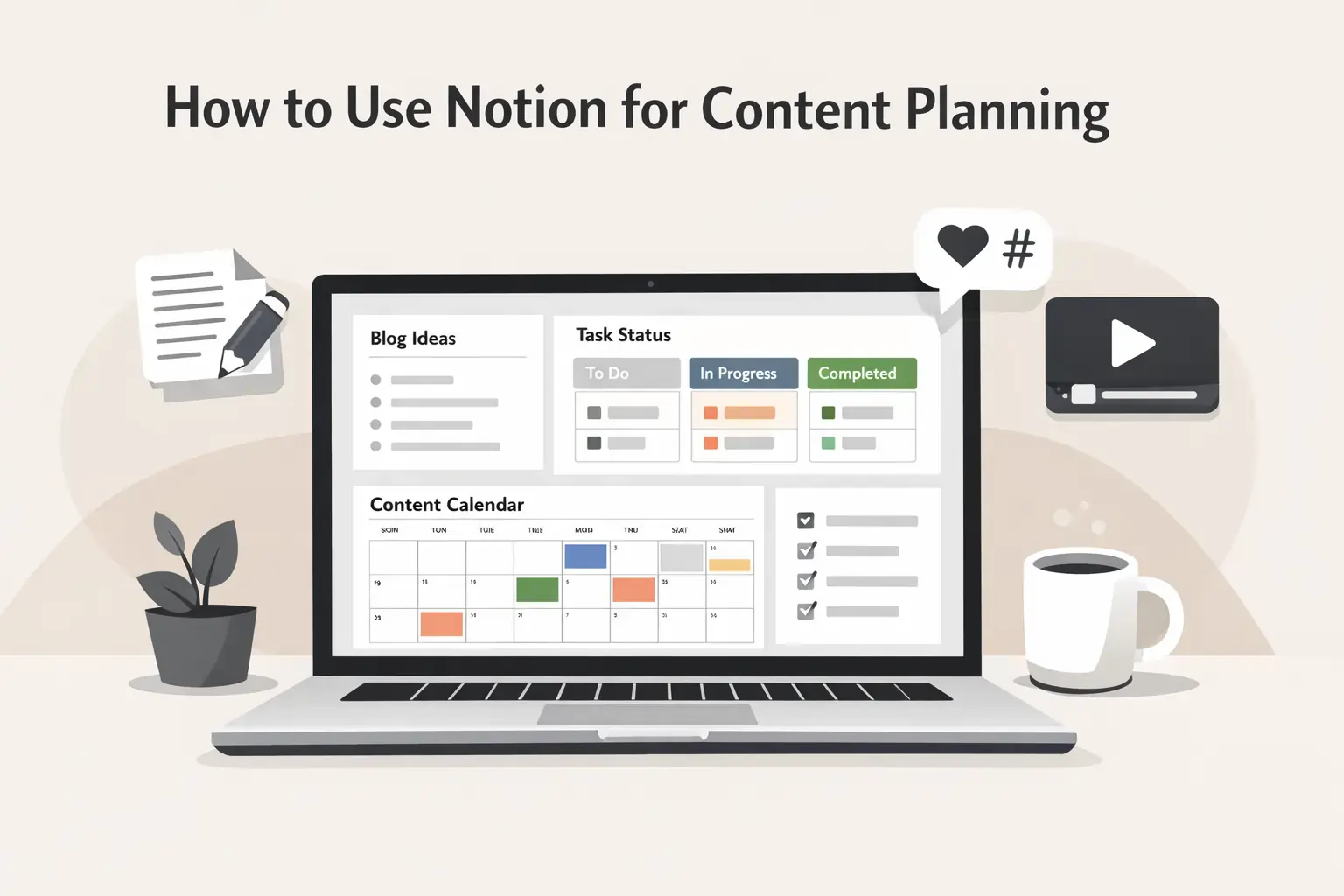
A good Notion-based content planning system does not need to be complex. At its core, it usually includes four connected parts.
The first part is idea management. Every piece of content starts as an idea. When ideas are stored in one place, they are not forgotten or repeated.
The second part is workflow tracking. Each content item moves through simple stages such as idea, writing, review, scheduled, and published. This makes progress easy to see at a glance.
The third part is the editorial calendar. Dates make plans real. A calendar view helps identify gaps, overloads, and upcoming deadlines.
The fourth part is basic review and reference notes. After publishing, links and short observations are stored. This improves future planning and avoids repeating mistakes.
These four elements together create a system that supports consistency without complexity.
Why Content Planning Needs a System, Not Just Motivation
Motivation is unreliable. Some days creativity flows, and other days it does not. A content planning system ensures work continues even when motivation is low.
Without a system, content creation relies on memory and last-minute pressure. This works temporarily but breaks down as content volume increases. A system removes mental load by keeping everything visible and connected.
This is why content planning becomes easier when supported by a tool like Notion.
Also Read – Adobe Creative Cloud Pricing Guide: Plans, Costs, and Best Value in India
Starting With Ideas: Capturing Without Friction
Every content system starts with ideas. The biggest mistake people make is trying to judge ideas too early. When ideas are filtered at the moment they appear, most of them are lost.
In Notion, the first step of content planning should be simple idea capture. This means having one dedicated place where every idea goes, regardless of how rough or incomplete it is. The goal is not quality at this stage. The goal is collection.
Ideas often come during meetings, while scrolling online, or in the middle of other work. If there is no clear place to save them instantly, they disappear. A single idea database inside Notion solves this problem. Once ideas are stored in one place, planning becomes easier because you are always working with what already exists instead of starting from zero.
Over time, this idea bank becomes one of the most valuable parts of the system.
Structuring Ideas by Content Type and Platform
Once ideas are captured, the next step is structure. Content planning becomes messy when blogs, social posts, videos, and campaigns are mixed without clarity.
Notion allows each idea to be categorized by content type and platform. A blog post idea, a LinkedIn post, and a YouTube video may start from the same concept, but they need to be planned differently. Structuring ideas early avoids confusion later.
This structure does not need to be complicated. Simple labels or properties are enough to separate blogs, social media, videos, newsletters, or campaigns. When content grows, this separation helps teams and creators understand what kind of work is coming next.
Clear structure reduces decision fatigue.
Prioritization: Deciding What Matters Now
Not every idea needs to be executed immediately. One of the biggest causes of stress in content planning is treating every idea as urgent.
Notion makes prioritization visible. Each content item can be marked as high priority, medium priority, or low priority. This simple step changes how work feels. Instead of reacting to everything, creators and teams focus on what matters right now.
Prioritization also helps align content with goals. Some ideas support long-term SEO. Some are for short-term campaigns. Some are experimental. When priorities are visible, it becomes easier to allocate time and effort correctly.
Without prioritization, planning becomes overwhelming. With it, planning becomes intentional.
Workflow Stages: Turning Ideas Into Action
Ideas alone do not create content. They need to move through a process.
In Notion, content items typically move through clear workflow stages. These stages represent progress, not perfection. Common stages include idea, writing, review, scheduled, and published.
The value of workflow stages is visibility. At any moment, you can see what is stuck, what is moving, and what is done. This is especially useful for teams, where work often slows down due to unclear ownership or missing updates.
Workflow tracking also helps individuals. Seeing progress reduces mental load and makes large content goals feel manageable.
Assigning Dates: Making Plans Real
A plan without dates is just a wish.
Assigning publishing dates is what turns ideas into commitments. In Notion, calendar views make this process visual. Instead of guessing what is coming next, you can see it clearly.
Dates also reveal problems early. If too much content is scheduled in one week, it becomes obvious. If there are gaps, they can be filled before it becomes urgent. This level of visibility is hard to achieve with scattered tools.
Publishing dates also help teams coordinate work backward. Writing, editing, and reviews happen before the date, not at the last moment.
Regular Reviews: Keeping the System Alive
One of the most overlooked parts of content planning is review. Systems fail not because they are bad, but because they are not maintained.
A weekly or monthly review keeps the Notion content system useful. During reviews, outdated ideas are cleaned up, priorities are adjusted, and timelines are updated. This prevents the system from becoming cluttered or irrelevant.
Reviews also help connect planning with results. What worked? What did not? Even short notes after publishing can improve future decisions.
A living system always works better than a perfect system that is never updated.
How This Workflow Reduces Stress
When content planning lives inside a clear system, mental pressure drops. You no longer need to remember everything. You no longer wonder what to work on next.
Instead of reacting daily, you follow a plan. This is especially important for professionals who handle multiple projects or clients at the same time. Clarity creates calm.
Over time, content planning stops feeling like constant effort and starts feeling like a routine.
This approach works because it connects thinking with execution.
How to Use Notion for Blog Content Planning
Blog content requires more structure than most people expect. A single blog post is not just an idea and a publishing date. It includes keywords, outlines, drafts, internal links, revisions, and long‑term SEO goals. When these elements are not connected, blog planning becomes chaotic.
Notion works well for blog planning because it allows each blog post to live as one complete unit. Inside one entry, you can store the idea, keyword focus, outline, writing status, editor notes, and publishing date. Everything related to that post stays connected.
This structure is especially useful for SEO‑driven blogs. When publishing regularly, it becomes hard to remember which topics are already covered and which are still pending. Notion solves this by making the entire blog pipeline visible. At any time, you can see what is planned, what is being written, and what is already published.
Over time, this visibility improves consistency. Blogging stops being reactive and becomes planned work.
Read Also: How to Use Notion for Project Management
Managing Editorial Calendars Without Pressure
An editorial calendar is often seen as a rigid schedule. In reality, it should act as guidance, not pressure.
In Notion, calendar views allow content planners to see the bigger picture. Instead of focusing only on the next post, planners can see weeks or months ahead. This helps balance workload and avoid burnout.
If a post needs to be moved, it can be adjusted easily without breaking the entire plan. This flexibility is important because content priorities change. Notion supports long‑term planning while allowing short‑term adjustments.
Calendars work best when combined with workflow status. A date alone does not show progress. Status shows whether the work is actually on track.
How to Use Notion for Social Media Planning
Social media planning often fails because it is treated as daily work instead of planned work. Many creators and teams decide what to post on the same day. This leads to rushed captions, repeated ideas, and inconsistent posting.
Using Notion changes this approach. Social media posts are planned in advance and treated as individual content items. Each post has a platform, caption, status, and publishing date.
This approach improves consistency. When posts are planned ahead, creators focus on quality instead of urgency. It also reduces duplication. When all posts are visible, it becomes easier to avoid posting the same idea across platforms unintentionally.
Notion works best for social media when planning matters more than automation. Posting tools may still be needed, but planning lives in Notion.
Planning Campaigns and Content Series
Campaigns and content series add another layer of complexity. A campaign usually includes multiple posts, blogs, or videos connected by one theme.
Notion handles this well by allowing content to be grouped. Each piece remains individual, but all pieces can be linked to the same campaign or goal. This makes it easy to track progress and ensure consistency.
For example, a product launch campaign may include blog posts, social media content, and videos. In Notion, all of these can be planned together while still moving through their own workflows.
This prevents misalignment and missed opportunities.
How to Use Notion for YouTube and Video Planning
Video content requires more coordination than written content. Ideas, scripts, recording, editing, and publishing all happen at different stages. Without a system, videos often get delayed or abandoned.
Notion helps by separating planning from production. Each video idea is planned first, with notes about the topic, structure, and goal. Once planning is complete, production stages become clearer.
Creators can see which videos are ready to be recorded and which still need preparation. This reduces mental load and makes long‑term video planning realistic.
Notion does not replace editing or analytics tools. Its role is coordination and clarity.
Keeping Multiple Content Formats in One System
Most professionals do not create only one type of content. Blogs, social media posts, videos, and campaigns often overlap.
Notion allows all formats to exist inside one system while staying clearly organized. Each format can have its own workflow, but all are visible in one place. This reduces duplication and keeps messaging aligned.
When content formats are planned together, strategy improves. Blog topics support social media. Videos reinforce written content. Planning becomes intentional instead of scattered.
Avoiding Over‑Complex Systems
One common mistake is building too much structure too early. Complex databases, too many properties, and detailed automation often create friction.
Notion works best when systems are simple. A small number of clear properties is usually enough. Complexity can be added later if needed.
The goal of content planning is execution, not perfection.
Notion supports blog planning, social media planning, video planning, and campaigns by keeping everything connected. It reduces last‑minute pressure and improves consistency across formats.
When content formats live inside one system, planning becomes strategic instead of reactive.
How Marketing Teams Use Notion for Content Planning
Marketing teams usually do not struggle with ideas. They struggle with coordination. Writers, designers, editors, SEO managers, and marketers often work on the same content, but without a shared system, things fall apart.
Notion acts as a single source of truth for content planning. Everyone can see what is planned, who owns which task, and what stage the content is in. This visibility reduces follow‑ups, meetings, and confusion.
Instead of asking for updates, team members check the system. Deadlines become clear. Responsibilities are visible. Over time, content planning becomes predictable rather than reactive.
Notion works especially well for teams that plan content in advance and value clarity over automation. It does require discipline, but the payoff is smoother collaboration.
How Freelancers Use Notion for Content Planning
Freelancers often manage multiple clients at the same time. Without a system, work becomes scattered across emails, documents, and messages. This increases the risk of missed deadlines and miscommunication.
Notion helps freelancers separate content by client while keeping everything inside one workspace. Each client can have their own content plan, deadlines, and workflow. Progress is easy to track, and priorities stay clear.
For freelancers handling recurring work, Notion reduces mental load. Instead of remembering everything, they rely on the system. This makes work calmer and more professional.
Also Read – Canva Pro Pricing Guide: Cost, Plans, and Best Value in India
🔥 LinkedIn Premium Business Plan 12 Months
Original Price ₹23,000 • Get it ₹8XXX
🤖 Gemini AI Advanced Pro Plan
Original Price ₹19,500 • Get it ₹8XXX
💼 LinkedIn Sales Navigator Core
Original Price ₹80,000 • Get it ₹2XXXX
🎨 Canva Pro Lifetime Access
Original Price ₹3,999 • Get it ₹4XX
📚 Coursera Plus Annual Plan
Original Price ₹33,000 • Get it ₹2XXX
✨ Adobe Creative Cloud All Apps
Original Price ₹59,000 • Get it ₹4XXX
Real‑World Content Planning Scenarios
Different professionals use Notion differently, but the logic stays the same.
Solo creators use it to stay consistent without pressure. Agencies use it to manage high content volume. Businesses use it to align content with goals. Teams use it to reduce coordination issues.
One system works better than many disconnected tools because decisions stay connected. Ideas lead to execution. Execution leads to publishing. Publishing leads to review. Nothing exists in isolation.
Common Mistakes People Make With Notion
Many people struggle with Notion not because the tool is bad, but because of how it is used.
One common mistake is building overly complex systems too early. Too many properties and databases create confusion instead of clarity.
Another mistake is planning without execution. Planning feels productive, but content is created only when action follows. Notion supports work; it does not replace it.
Some users expect Notion to automate publishing. Notion is a planning tool, not a posting tool. Expecting automation leads to disappointment.
Skipping regular reviews is another issue. Without reviews, systems become outdated and ignored.
Honest Pros and Cons of Using Notion for Content Planning
Notion has clear strengths, but it also has limitations.
Pros:
- Flexible system for multiple content formats
- Scales from individuals to large teams
- Keeps ideas, progress, and timelines connected
- Improves visibility and consistency
Cons:
- Requires initial setup
- No automatic publishing
- Needs discipline to stay updated
Understanding both sides helps set realistic expectations
Why One System Is Better Than Many Tools
Using multiple tools creates friction. Information gets lost. Updates are missed. Work slows down.
One system keeps decisions connected. When ideas, tasks, and timelines live together, planning becomes simpler. This connection is Notion’s biggest strength.
Clarity matters more than automation. Once clarity exists, automation can be added if needed.
Also Read – LinkedIn Premium Pricing Guide 2026: Cost, Plans, India Price & Is It Worth It?
Notion vs Other Content Planning Tools
Different tools solve different problems.
Notion is best for flexible planning across blogs, social media, videos, and campaigns. It supports thinking and structure.
Spreadsheets work for simple calendars but break down as content grows. Task managers are good for workflows but lack content context. Scheduling tools automate posting but are weak at idea management.
This is why many professionals use Notion as the planning layer and other tools only where needed.
| Tool Type | Best For | Where It Falls Short |
| Notion | Flexible planning, multiple formats, teams | No auto-publishing, needs setup |
| Spreadsheets | Simple calendars | Hard to scale, weak collaboration |
| Task managers | Visual workflows | Limited content context |
| Schedulers | Automatic posting | Weak planning and idea |
Final Verdict: How to Use Notion for Content Planning Effectively
Using Notion for content planning works when the focus is on systems, not features.
Start small. Capture ideas. Track progress. Assign dates. Review regularly.
Over time, this approach reduces stress and improves consistency. Content planning becomes clear instead of reactive. Whether you are a creator, freelancer, or part of a marketing team, Notion can act as a strong foundation for structured content planning.
🔥 LinkedIn Premium Business Plan 12 Months
Original Price ₹23,000 • Get it ₹8XXX
🤖 Gemini AI Advanced Pro Plan
Original Price ₹19,500 • Get it ₹8XXX
💼 LinkedIn Sales Navigator Core
Original Price ₹80,000 • Get it ₹2XXXX
🎨 Canva Pro Lifetime Access
Original Price ₹3,999 • Get it ₹4XX
📚 Coursera Plus Annual Plan
Original Price ₹33,000 • Get it ₹2XXX
✨ Adobe Creative Cloud All Apps
Original Price ₹59,000 • Get it ₹4XXX
FAQs
Is Notion good for content planning for beginners?
Yes. Beginners can use Notion effectively by starting with a simple setup.
Can Notion replace other content planning tools?
Not fully. Notion is best for planning. Posting tools may still be needed.
Is Notion free enough for content planning?
For individuals and small teams, the free version is usually sufficient.
How long does it take to set up a Notion content planner?
A basic system can be created in under an hour.
Is Notion suitable for marketing teams?
Yes. It works well for visibility, ownership, and coordination.
Should freelancers use Notion for client content planning?
Yes. Freelancers managing multiple clients benefit from one central system