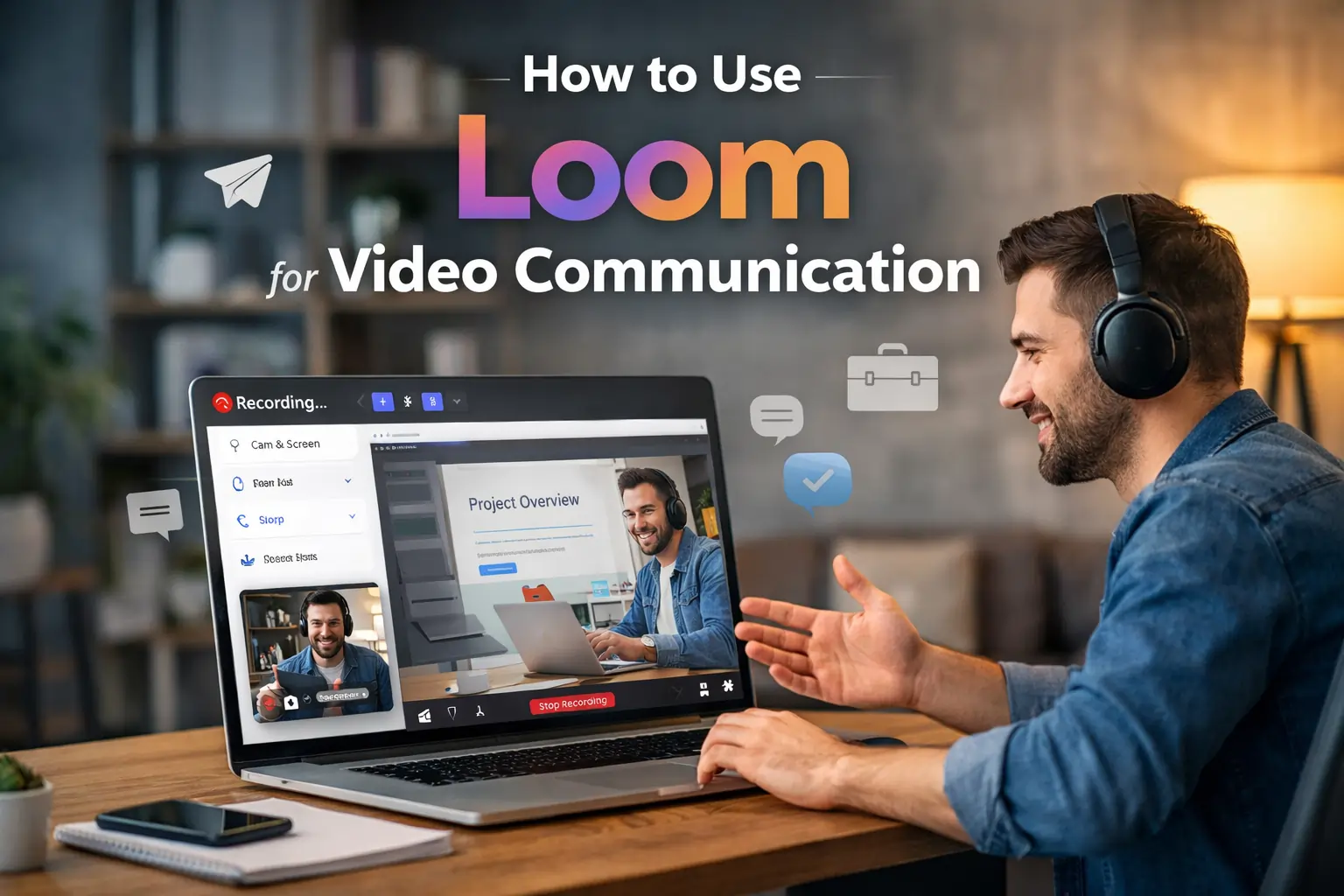
Introduction: The Real Problem with Modern Communication
Modern workplaces are more connected than ever, yet communication quality has quietly declined. Emails have become longer but less effective. Chat tools are fast but lack clarity. Meetings try to solve everything but often waste time without delivering alignment.
The real issue is not the number of tools we use. It is how information is explained.
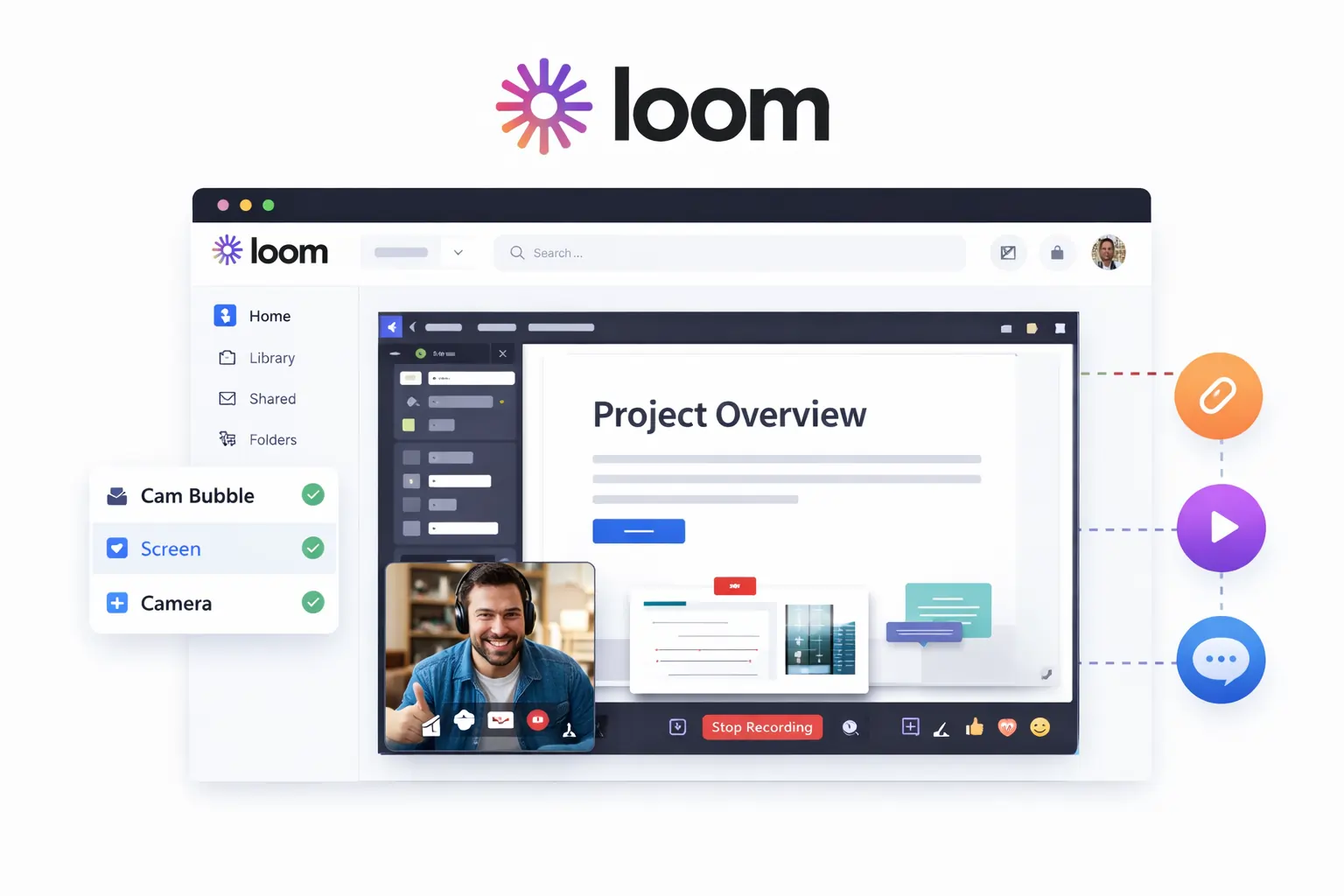
When instructions are complex, feedback is visual, or context matters, text alone fails. This gap is exactly where Loom becomes relevant. Loom allows you to record short videos that combine screen, voice, and camera, helping you explain ideas the way humans naturally understand them.
This article explains How to use Loom for video communication effectively, not just how to press the record button, but how to use Loom as a serious communication system in real work environments.
🔥 LinkedIn Premium Business Plan 12 Months
Original Price ₹23,000 • Get it ₹8XXX
🤖 Gemini AI Advanced Pro Plan
Original Price ₹19,500 • Get it ₹8XXX
💼 LinkedIn Sales Navigator Core
Original Price ₹80,000 • Get it ₹2XXXX
🎨 Canva Pro Lifetime Access
Original Price ₹3,999 • Get it ₹4XX
📚 Coursera Plus Annual Plan
Original Price ₹33,000 • Get it ₹2XXX
✨ Adobe Creative Cloud All Apps
Original Price ₹59,000 • Get it ₹4XXX
What Is Loom and Why It Was Built
Loom is a video messaging and screen recording tool designed for asynchronous communication. It allows users to record their screen, camera, or both, and instantly share the video through a link. The video is hosted online automatically, removing the need to upload files or manage storage.
What separates Loom from traditional screen recorders is intent. Loom is not built for content creation or entertainment. It is built for workplace explanation.
The core idea behind Loom is simple:
If something takes more than a few lines to explain in text, it should probably be explained on video.
This philosophy makes Loom especially powerful in remote, hybrid, and fast-moving teams.
Why Loom Works Better Than Emails, Chat, or Meetings
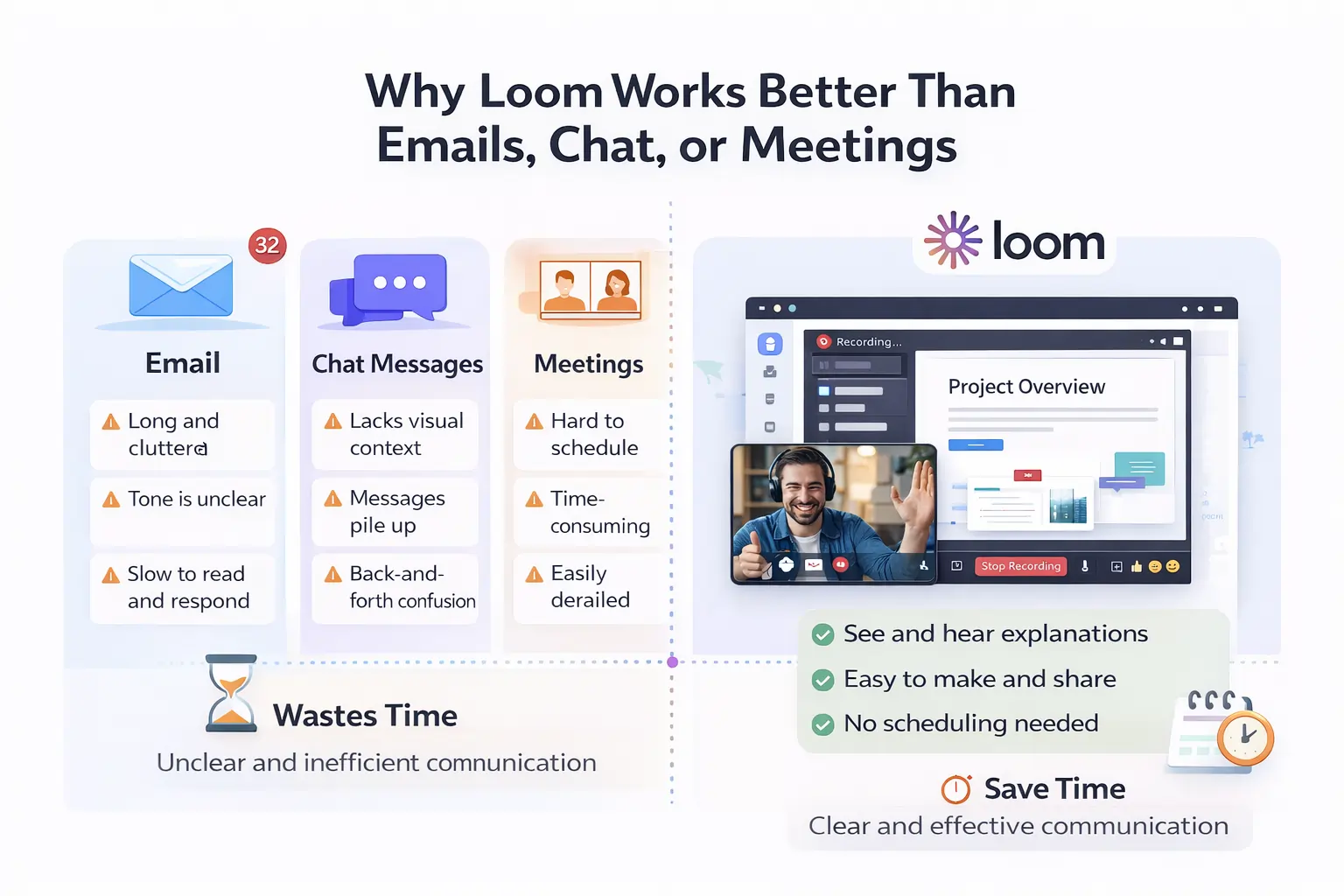
Emails try to explain too much and still miss context. Chat messages are quick but fragmented. Meetings restore context but demand everyone’s time simultaneously.
Loom sits between these extremes. It delivers clarity without scheduling friction.
When someone watches a Loom video, they do not just read instructions. They see what you are referring to, hear how important it is, and understand intent immediately. This dramatically reduces follow-up questions and misunderstandings.
From an efficiency perspective, a 3-minute Loom video often replaces:
-
a 30-minute meeting, or
-
a long email thread with multiple clarifications
Over time, this saves hours every week.
🔥 LinkedIn Premium Business Plan 12 Months
Original Price ₹23,000 • Get it ₹8XXX
🤖 Gemini AI Advanced Pro Plan
Original Price ₹19,500 • Get it ₹8XXX
💼 LinkedIn Sales Navigator Core
Original Price ₹80,000 • Get it ₹2XXXX
🎨 Canva Pro Lifetime Access
Original Price ₹3,999 • Get it ₹4XX
📚 Coursera Plus Annual Plan
Original Price ₹33,000 • Get it ₹2XXX
✨ Adobe Creative Cloud All Apps
Original Price ₹59,000 • Get it ₹4XXX
Setting Up Loom Properly (A Step Most People Ignore)
Most Loom videos fail not because of poor content, but because of poor setup. Audio issues, cluttered screens, or awkward framing instantly reduce credibility.
To use Loom professionally, setup matters.
Install Loom via the desktop app or browser extension. For serious work, the desktop app is preferable. Once installed, take time to configure your microphone correctly. Clear audio is far more important than perfect video quality.
Position your camera so your face is visible but not dominating the screen. Natural lighting works best. Avoid busy backgrounds that distract from your explanation.
This initial setup takes only a few minutes but significantly improves how your Loom videos are perceived.
How to Use Loom for Video Communication (Core Principle)
Using Loom effectively is not about recording everything. It is about recording the right things.
Before clicking “Record,” ask yourself three questions:
-
What problem is this video solving?
-
Who is watching it?
-
What should they understand or do after watching?
A strong Loom video usually follows a simple flow. Start by giving context so the viewer understands why the video exists. Then explain or demonstrate the main point calmly and clearly. Finally, close by stating the next step or expectation.
This structure prevents confusion and ensures your video achieves its purpose.
🔥 LinkedIn Premium Business Plan 12 Months
Original Price ₹23,000 • Get it ₹8XXX
🤖 Gemini AI Advanced Pro Plan
Original Price ₹19,500 • Get it ₹8XXX
💼 LinkedIn Sales Navigator Core
Original Price ₹80,000 • Get it ₹2XXXX
🎨 Canva Pro Lifetime Access
Original Price ₹3,999 • Get it ₹4XX
📚 Coursera Plus Annual Plan
Original Price ₹33,000 • Get it ₹2XXX
✨ Adobe Creative Cloud All Apps
Original Price ₹59,000 • Get it ₹4XXX
How to Use Loom for Remote Teams
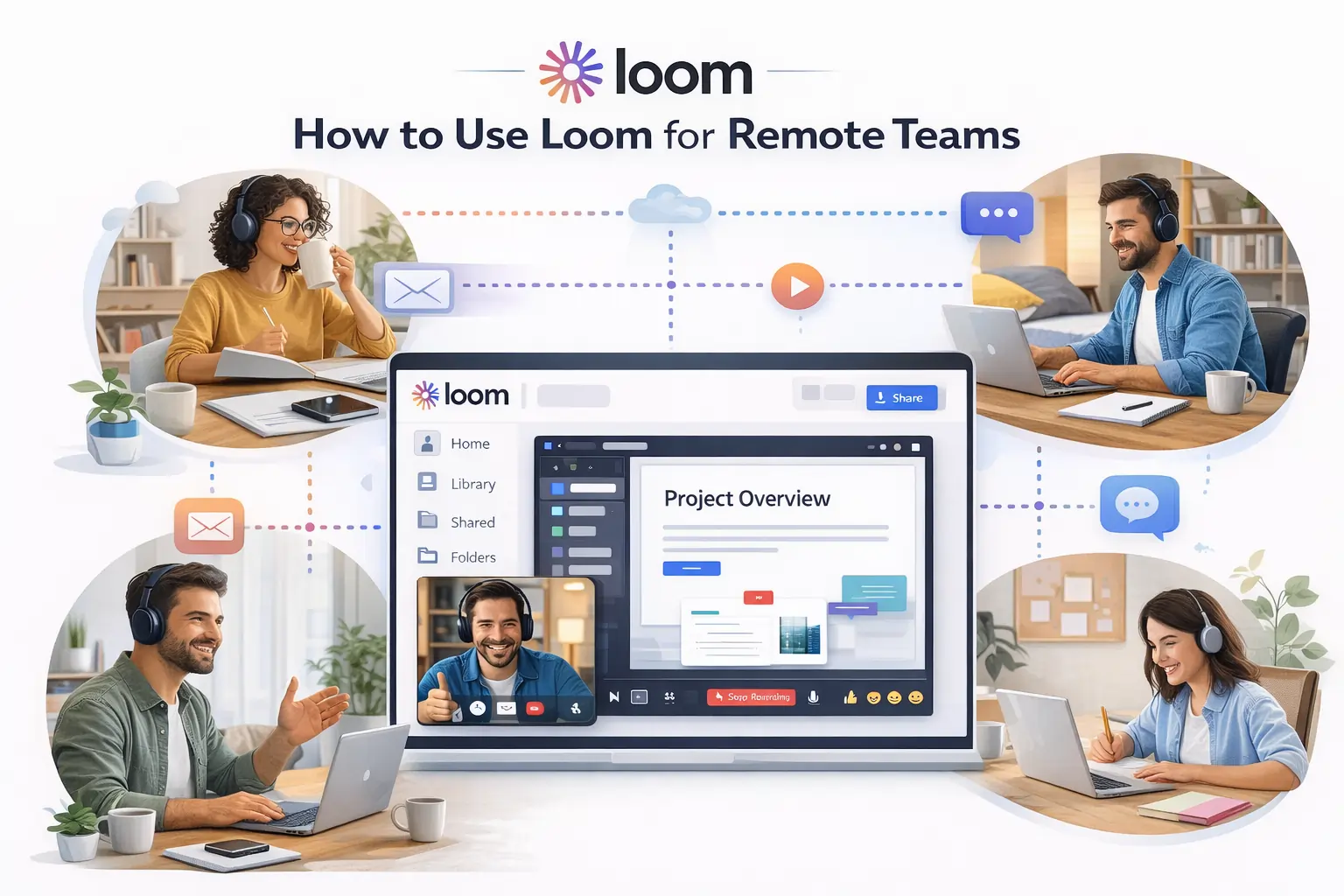
Remote teams often struggle with alignment. Information gets lost in chat threads, and meetings multiply to compensate.
Loom helps replace constant meetings with asynchronous clarity.
Team members can record Loom videos for daily updates, explaining what they worked on, what is blocked, and what is next. These videos can be watched at any time, reducing dependency on synchronous calls.
Managers can give feedback by recording Loom videos while reviewing work. This allows them to show exactly what needs improvement instead of describing it abstractly in text.
Over time, Loom videos become a living knowledge base that documents decisions, explanations, and workflows—something chat messages and meetings rarely achieve.
How to Use Loom for Client Communication

Client communication is not just about information delivery. It is about trust.
Clients often feel confused when they receive long emails, reports, or technical explanations without context. Loom solves this by allowing you to walk clients through things visually.
Instead of explaining a proposal in writing, you can record a Loom video showing the document while explaining reasoning and expectations. Clients understand faster and feel more confident because they can see and hear the explanation directly from you.
This approach reduces revisions, speeds up approvals, and improves long-term client relationships. For agencies, consultants, and freelancers, Loom often becomes a competitive advantage.
How to Use Loom for Training Videos
Training is one of the most underutilized use cases of Loom.
Most organizations repeat the same explanations again and again. Loom allows you to record these explanations once and reuse them indefinitely.
Training videos can cover tools, internal processes, workflows, or best practices. New team members can watch these videos at their own pace and revisit them whenever needed.
Because Loom videos are easy to update, training content stays current without large production efforts. This saves time and reduces dependency on senior staff.
How to Use Loom for Onboarding
Onboarding often fails because it overwhelms new hires with too much information too quickly.
Loom enables a more structured and humane onboarding process. Teams can create short videos explaining company culture, role responsibilities, tools, and expectations. New hires consume this information gradually instead of being overloaded on the first day.
This improves retention, reduces confusion, and ensures consistency across all onboarding experiences.
Loom Screen Recording- Making Videos Easy to Follow
A loom screen recording should feel intentional and calm. Before recording, close unnecessary tabs and silence notifications to avoid distractions.
While recording, move your cursor deliberately and explain what you are doing instead of rushing through actions. Pauses are not a problem; they help viewers follow along.
Good Loom screen recordings prioritize clarity over speed. The goal is understanding, not efficiency during recording.
Loom Video Messaging: Sounding Natural and Confident
Many users feel uncomfortable recording themselves. This is normal.
The key to good loom video messaging is to treat it like a one-on-one explanation, not a performance. Avoid reading scripts. Speak naturally and allow small imperfections.
Viewers trust authenticity more than polish. A clear, human Loom video is more effective than a perfectly edited but robotic one.
Using Loom Effectively in Daily Workflows
Loom fits naturally into daily work when communication involves explanation.
Designers use it to explain feedback. Developers use it to demonstrate bugs or fixes. Managers use it to align teams. Trainers use it to teach. HR teams use it for onboarding.
When Loom is used consistently, communication becomes faster, clearer, and better documented. Teams spend less time clarifying and more time executing.
Common Mistakes That Reduce Loom’s Value
Many people fail to get results from Loom because they record without intention. Videos that cover multiple topics or lack context confuse viewers.
Poor audio quality is another frequent issue. Viewers will tolerate average video quality, but unclear sound breaks trust immediately.
Finally, sharing Loom links without explanation reduces engagement. Context is what turns a video into a solution.
Is Loom Worth Using for Video Communication?
Loom is worth using if your work involves explaining ideas, giving feedback, or collaborating remotely. It delivers the highest value in environments where clarity, speed, and documentation matter.
For professionals and teams who communicate daily, Loom quickly becomes essential rather than optional.
Final Verdict: How to Use Loom Like a Pro
Loom is not just a screen recorder. It is a communication system for modern work.
When used intentionally, Loom:
-
reduces unnecessary meetings,
-
improves clarity,
-
saves time,
-
and strengthens collaboration.
The real advantage comes from using Loom consistently, not occasionally.
Final Thought
If communication is part of your job- and it almost always is- learning how to use Loom effectively is a long-term skill, not just a tool upgrade.