A Complete, Practical Guide for Beginners and Professional Podcasters
Why Podcast Editing Needs a Smarter Approach
Podcasting has grown rapidly, but editing workflows are still stuck in the past. Traditional audio editors force creators to work on waveforms, timelines, and technical controls that feel disconnected from how humans actually think about conversations. This makes podcast editing time-consuming, intimidating for beginners, and inefficient for professionals managing multiple episodes.
This is exactly where Descript changes the game.
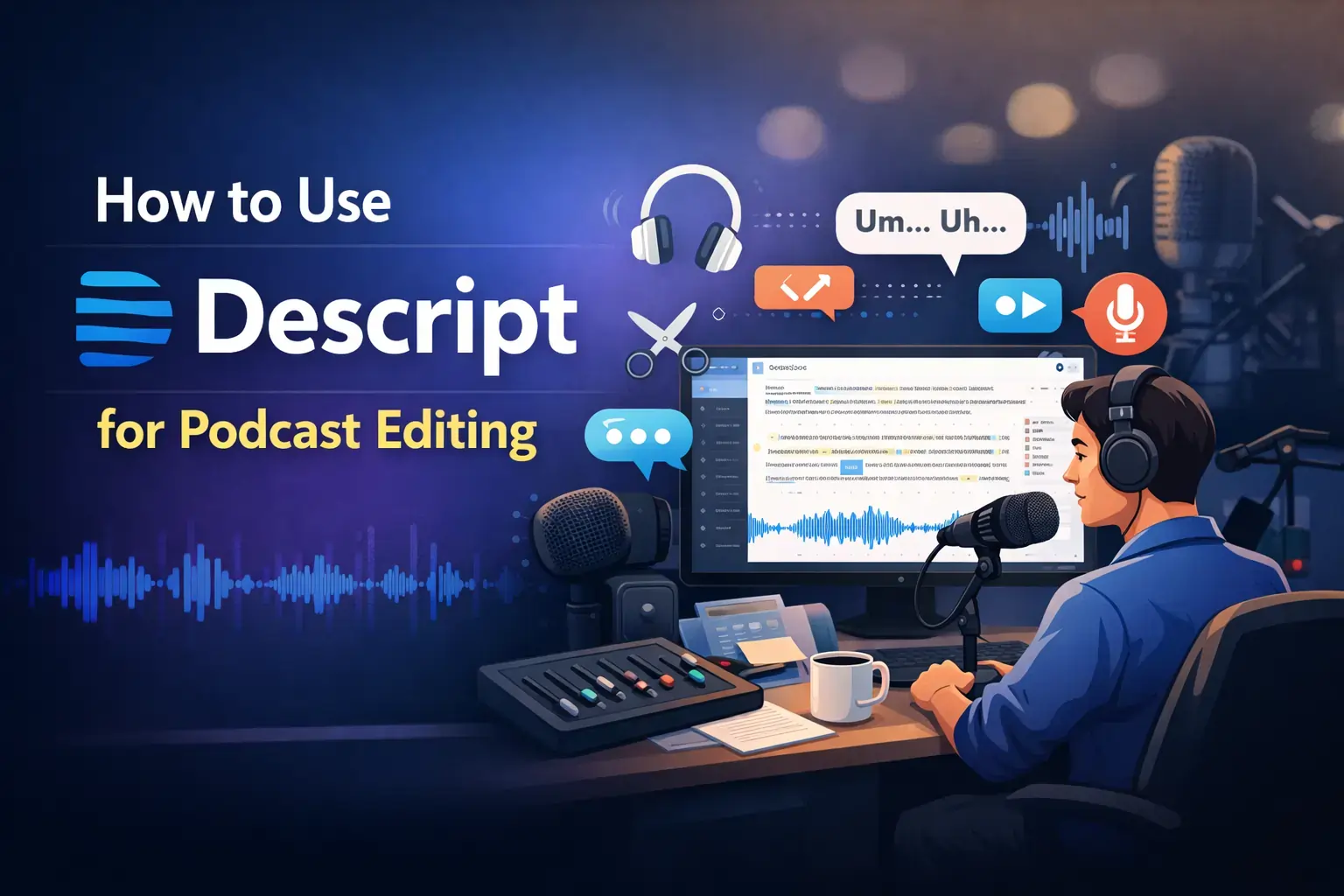
Descript approaches podcast editing differently. Instead of forcing you to “edit audio,” it allows you to edit text, while the audio updates automatically. This single shift removes a massive mental barrier and speeds up production without sacrificing quality.
This guide explains how to use Descript for podcast editing in a real-world, step-by-step way—covering beginners, YouTube podcasters, and experienced creators who want faster, cleaner workflows.
🔥 LinkedIn Premium Business Plan 12 Months
Original Price ₹23,000 • Get it ₹8XXX
🤖 Gemini AI Advanced Pro Plan
Original Price ₹19,500 • Get it ₹8XXX
💼 LinkedIn Sales Navigator Core
Original Price ₹80,000 • Get it ₹2XXXX
🎨 Canva Pro Lifetime Access
Original Price ₹3,999 • Get it ₹4XX
📚 Coursera Plus Annual Plan
Original Price ₹33,000 • Get it ₹2XXX
✨ Adobe Creative Cloud All Apps
Original Price ₹59,000 • Get it ₹4XXX
What Is Descript and Why Podcasters Love It
Descript is an audio and video editing platform built around transcription-first editing. When you upload or record audio, Descript converts it into text. Any change you make to the text—deleting words, fixing sentences, or rearranging paragraphs—automatically edits the audio itself.
For podcasters, this completely changes the editing experience. Instead of spending hours zooming into waveforms, creators can focus on content clarity, pacing, and storytelling. This is why Descript has become popular among solo podcasters, agencies, and podcast networks.
How Descript Changes Traditional Podcast Editing
Traditional podcast editing tools are designed for audio engineers, not content creators. Descript flips this model by putting words first.
Instead of searching waveforms for mistakes, you simply delete the sentence you don’t want. Instead of cutting audio manually, you restructure the transcript. This makes editing feel more like writing and less like engineering.
For conversational and interview-based podcasts, this approach saves enormous time and mental effort.Getting Started – Setting Up Descript for Podcast Editing
Before editing your first episode, Descript needs to be set up correctly.
Start by creating a new project and importing your podcast audio file. Descript supports standard formats like MP3 and WAV. Once uploaded, the software automatically generates a transcript.
Spend a few minutes reviewing the transcription accuracy. Correct speaker names, fix obvious errors, and label different speakers clearly. This step is critical for clean editing later, especially for interviews.
Good setup ensures smoother editing throughout the project.
🔥 LinkedIn Premium Business Plan 12 Months
Original Price ₹23,000 • Get it ₹8XXX
🤖 Gemini AI Advanced Pro Plan
Original Price ₹19,500 • Get it ₹8XXX
💼 LinkedIn Sales Navigator Core
Original Price ₹80,000 • Get it ₹2XXXX
🎨 Canva Pro Lifetime Access
Original Price ₹3,999 • Get it ₹4XX
📚 Coursera Plus Annual Plan
Original Price ₹33,000 • Get it ₹2XXX
✨ Adobe Creative Cloud All Apps
Original Price ₹59,000 • Get it ₹4XXX
Editing Podcasts by Editing Text (Core Workflow)
This is the heart of Descript.
Once the transcript is ready, you edit your podcast by editing the text. Deleting a sentence removes the corresponding audio. Moving a paragraph rearranges the audio structure. This makes it incredibly easy to tighten conversations, remove tangents, and improve flow.
For narrative podcasts, this workflow feels natural because you can shape the story by reading and refining the transcript like an article.
Removing Filler Words and Awkward Pauses
One of Descript’s most powerful features for podcasters is automatic filler-word detection. Descript highlights words like “um,” “uh,” and “you know,” along with long pauses.
Instead of manually cutting these moments, you can review and remove them with a click. However, professional podcasters usually apply this feature selectively to avoid over-polishing speech.
When used carefully, filler removal dramatically improves listening experience without making voices sound unnatural.
🔥 LinkedIn Premium Business Plan 12 Months
Original Price ₹23,000 • Get it ₹8XXX
🤖 Gemini AI Advanced Pro Plan
Original Price ₹19,500 • Get it ₹8XXX
💼 LinkedIn Sales Navigator Core
Original Price ₹80,000 • Get it ₹2XXXX
🎨 Canva Pro Lifetime Access
Original Price ₹3,999 • Get it ₹4XX
📚 Coursera Plus Annual Plan
Original Price ₹33,000 • Get it ₹2XXX
✨ Adobe Creative Cloud All Apps
Original Price ₹59,000 • Get it ₹4XXX
Multitrack Podcast Editing in Descript
A common misconception is that Descript only works for single-track audio. In reality, it supports full multitrack podcast editing.
Each speaker appears as a separate track with their own transcript. This allows podcasters to balance volumes, clean interruptions, and edit interviews professionally.
For remote podcasts with multiple speakers, this feature makes Descript a serious alternative to traditional DAWs.
How to Use Descript for Podcast Beginners
Beginners often feel overwhelmed by audio editing software. Descript removes much of that fear by replacing technical timelines with readable text.
Instead of learning complex tools, beginners focus on understanding their content. They read, edit, and refine conversations just like writing a blog post. This lowers the barrier to entry and helps new podcasters publish consistently.
Consistency matters more than perfection in podcast growth, and Descript supports that mindset.
How to Use Descript for YouTube Podcasts
Many podcasters repurpose episodes for YouTube. Descript makes this transition smooth because it supports both audio and video editing in the same interface.
Creators can edit podcast audio, generate captions, export video versions, and create short clips for social platforms. This eliminates the need to juggle multiple tools and workflows.
For podcasters expanding into video, Descript offers a unified solution.
Overdub – Fixing Mistakes Without Re-Recording
Overdub is one of Descript’s most advanced features. It allows you to correct small mistakes by typing replacement text instead of re-recording entire sections.
For example, if you mispronounce a name or say the wrong date, Overdub can regenerate that line using your own voice model. Most professionals use this feature sparingly, mainly for corrections.
Used ethically, Overdub saves time without harming authenticity.
Improving Audio Quality Inside Descript
Descript includes essential audio cleanup tools that are sufficient for most podcasts. You can adjust volume levels, reduce background noise, and normalize audio to maintain consistency.
While advanced producers may still use dedicated mastering tools, many podcasters publish directly from Descript with excellent sound quality.
For content-first creators, this balance of simplicity and quality is ideal.
A Real-World Podcast Workflow Using Descript
A practical Descript-based workflow usually looks like this:
Record the episode, upload it to Descript, review the transcript, edit by text, clean filler words, balance tracks, and export for publishing.
This streamlined process reduces friction and allows creators to focus on storytelling rather than technical complexity.
For teams, Descript also supports collaboration, enabling editors and hosts to work in the same project.
Common Mistakes Podcasters Make with Descript
Some podcasters expect Descript to automatically create perfect episodes. While powerful, Descript still requires editorial judgment.
Overusing automation, ignoring pacing, and skipping transcript review can reduce quality. Descript works best when used as an assistant, not a replacement for thoughtful editing.
How to Use Descript Effectively (Pro Mindset)
Professional podcasters use Descript with intention. They plan episodes clearly, edit for clarity instead of perfection, and maintain consistent workflows.
Descript rewards creators who understand storytelling and communication. The tool amplifies good content rather than fixing weak structure.
Is Descript Worth Using for Podcast Editing?
Descript is worth using if you want faster editing, prefer working with text, or manage multiple episodes regularly.
For beginners, it removes fear. For professionals, it saves time. For teams, it improves collaboration and consistency.
Final Verdict – How to Use Descript for Podcast Editing
Descript is not just a podcast editor. It is a content-first editing platform designed for modern creators.
When used properly, Descript helps podcasters edit faster, focus on storytelling, and scale production efficiently.
Final Thought
If podcasting is part of your content strategy, learning how to use Descript for podcast editing is a long-term investment. Master the workflow, respect the craft, and Descript will quietly become one of your most valuable tools.